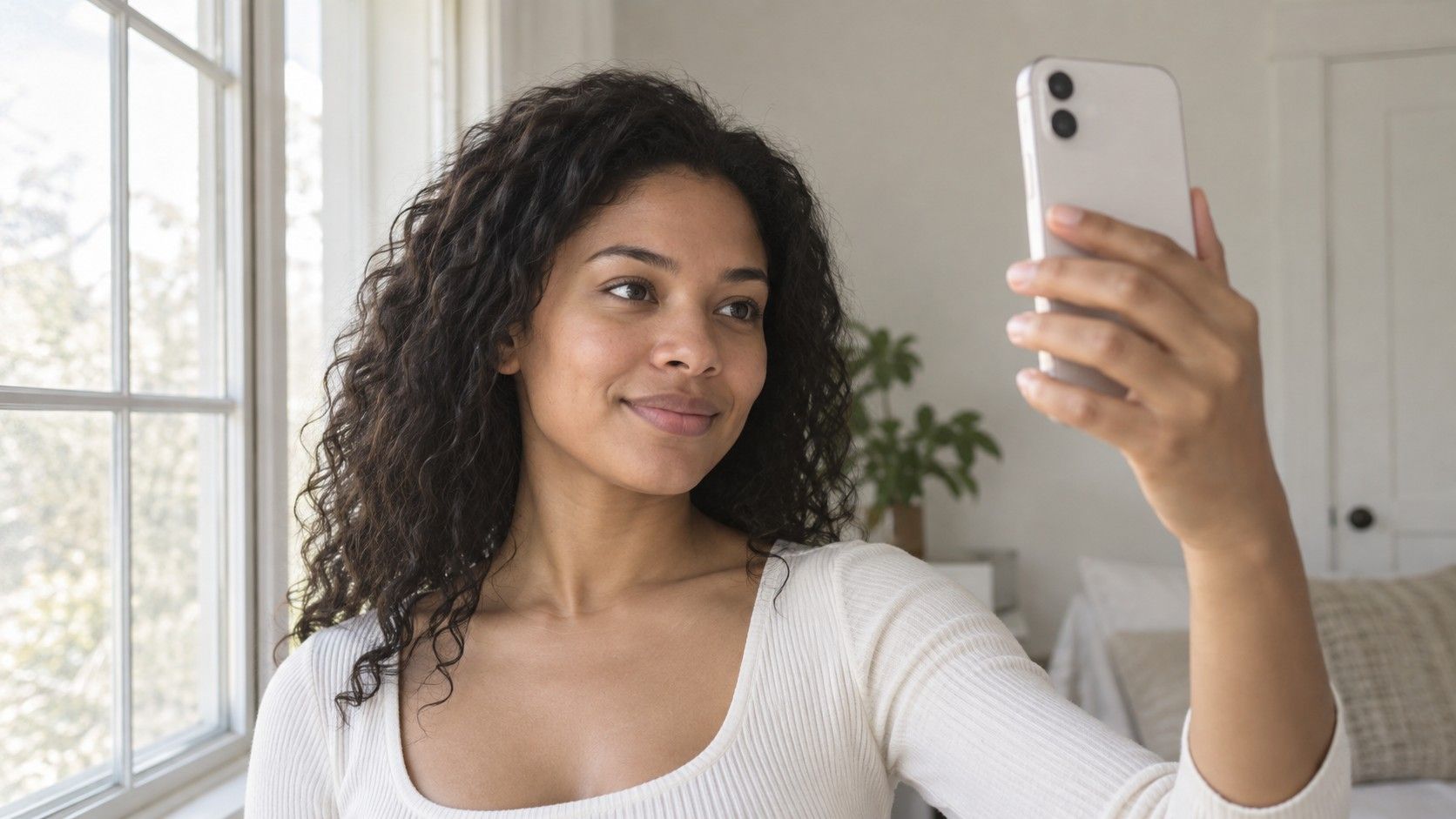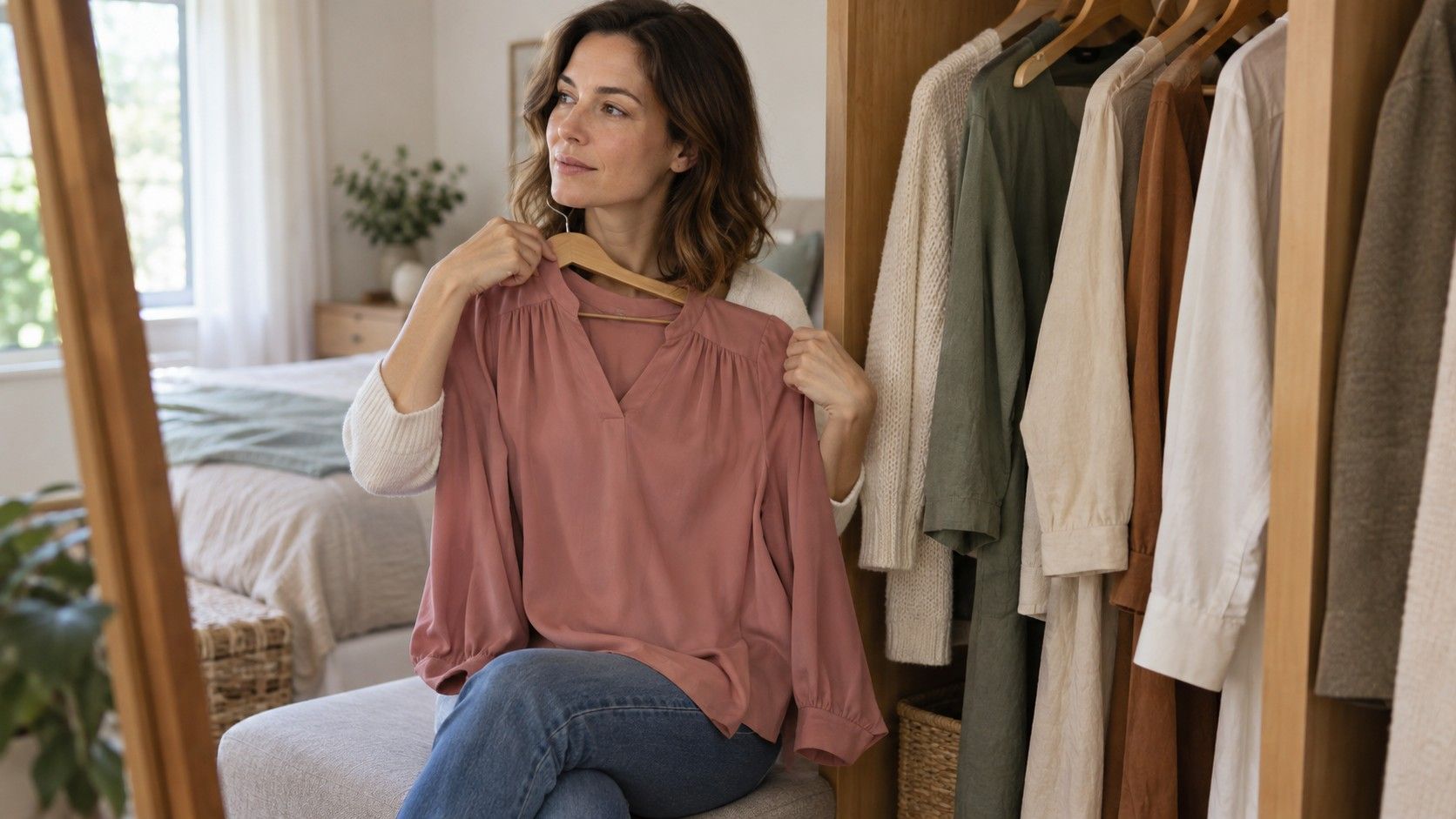
A free color analysis app can turn an idle selfie into a surprisingly urgent question: should you really replace your black tops with peach? I would pause before buying anything. The useful part of a photo test is a starting comparison, while the less useful part is a confident seasonal label with no explanation of the image behind it. Before uploading, check what happens to your photograph, what the free result includes and whether you can repeat the test under similar conditions. Those checks take less effort than undoing a purchase based on a flattering screen.
Decide what you need before choosing an app
Choose one small question first. Perhaps your grey work shirts feel flat, or you want to compare a warm brown jacket with a cooler one. That gives the result a job. An app that suggests a handful of color families may be enough for this, even if it cannot place you convincingly within twelve seasons. If you want a detailed explanation of difficult drape comparisons, a label alone will leave most of your question unanswered.
Separate color information from the makeover features around it. A filter that changes lipstick or smooths skin may help you picture a look, but it also changes the evidence you are trying to assess. Look for an original-photo view beside any edited preview. If the only before-and-after image improves exposure, removes shadows and adds makeup at once, you cannot tell which change made the difference.
I would favor an output that describes lightness, saturation and a possible warm or cool tendency over a dramatic verdict with a tiny palette. These properties are often called value, chroma and hue. They provide usable questions for your wardrobe: lighter or darker, softer or clearer, warmer or cooler? You can try those questions with clothes at home even if the seasonal name remains uncertain.
Read the photo terms before the upload screen
A face photograph deserves a little more care than a picture of a jumper. Read the privacy notice and the upload explanation together. Check whether processing takes place on your device or on a server, whether the original image is stored and what the service says about using uploads to improve its models. A statement about secure transfer does not, by itself, answer how long a photo remains available.
Look for a deletion route that you could actually use. Does removing a scan erase the image, just hide the result, or require a separate account request? If the wording distinguishes an original photo, derived measurements and an account record, check each one. Where the policy gives a retention period or exceptions, read those details before assuming that a delete icon removes everything immediately.
Keep the photograph simple: one person, no children or bystanders, and no unnecessary background details. A cropped head-and-shoulders image may be sufficient if the tool accepts it. Do not upload identity documents or an entire camera roll for a basic palette suggestion. When a mobile app requests photo access, use limited access if your device offers it and the feature works with a single selected image.
Unclear terms are a reasonable reason to stop. You can still compare two scarves in daylight without creating an account. This is a preference about how much information to share for a modest styling benefit; you do not need to prove that a service is harmful before deciding the exchange is not worthwhile.
Find out what “free” lets you keep
When searching for a color analysis app free of charge, read the last screen before entering payment details as carefully as the first one. A free download, a free scan and a free trial are different offers. One may show a seasonal name but lock the palette; another may allow a limited number of photographs. The practical question is whether the feature you came for is available without a paid commitment.
Current terms can change, so check the app listing, the in-app offer and the checkout wording at the time you use it. Record any trial end date and the renewal terms shown to you. If a subscription is managed through an app store, confirm where that store lets you cancel it. Deleting an app should never be your plan for stopping a recurring payment.
| What the offer says | What to check before continuing | Why it affects the decision |
|---|---|---|
| Free analysis | Whether the palette and explanation are included | A name alone may not answer your clothing question |
| Free trial | Payment requirement, end date and cancellation route | The test may create an ongoing commitment |
| Limited free scans | Whether a corrected photo uses another scan | Poor lighting may consume the available allowance |
| Free account | Whether viewing or saving results requires payment | Account creation does not establish the price of the result |
For an AI color analysis free test, I would want enough information to make one comparison away from the app. A readable palette, a short explanation and access to the original input can be more useful than a large set of locked recommendations. Avoid paying merely because you have already spent ten minutes answering questions. Time spent is not evidence that the result will improve.
Test the photograph before testing the algorithm
Take the photo near a window in indirect daylight, with your face evenly lit. Avoid a strip of direct sun across one cheek or a warm ceiling lamp mixing with window light. A neutral background and a plain top reduce distractions. Follow the tool's own framing instructions, and remove colored filters or beauty effects. Heavy makeup and strongly colored lenses can change what the image shows.
Phone cameras make adjustments automatically. White balance, exposure and processing can shift skin, hair and fabric colors, even when you never touch an editing slider. A pale shirt can influence exposure; a brightly painted wall can reflect color onto your face. A photograph that looks pleasing is not automatically a reliable reference for subtle warm-versus-cool comparisons.
Use two or three photographs from the same setup if the free allowance permits it. Keep the light, camera position and facial expression broadly consistent. Compare the outputs for agreement in broad properties before worrying about an exact subtype. If a small change in angle sends the result from a soft palette to a very bright one, keep your confidence low rather than choosing the answer you like best.
Do not deliberately manipulate the image until a preferred season appears. That tests the camera and the app's sensitivity to an edited input. Nor does agreement between several tools establish accuracy: they may rely on similar visual assumptions. Repeated results are a useful check on stability, but real clothing comparisons still have work to do.
Keep a useful result without rebuilding your wardrobe
Save only what the service allows you to save, together with a short note about the lighting and the result date. A screen palette is a reference, not a precise fabric standard. Display settings, brightness and the surrounding colors affect what you see. When shopping, compare actual garments with each other instead of hunting for an exact match to a tiny digital square.
Pull two items you already own that differ mainly in one property. Try a muted blue beside a clearer blue, for example, before comparing completely unrelated outfits. Keep the same room and mirror, and look for a consistent preference across several swaps. Ask whether you like the overall effect and whether the color works with your existing clothes. There is no requirement to interpret every shadow as a flaw.
Make the first purchase small if you decide to experiment: a returnable top, a scarf or an item you already needed. Check it in ordinary daylight before removing labels. Hair color, prescription frames and expensive outerwear deserve a slower decision because reversal can be costly or inconvenient. A single app result is a thin basis for those changes.
A free color analysis app has done something useful when it gives you a clearer comparison to try. Keep a tentative palette if it helps, discard advice that fails repeated clothing tests, and leave room for personal taste. Your favorite bright red can remain in your wardrobe even when a program recommends dusty rose. The result should make getting dressed easier, rather than turn every familiar outfit into a problem.